

Help panel
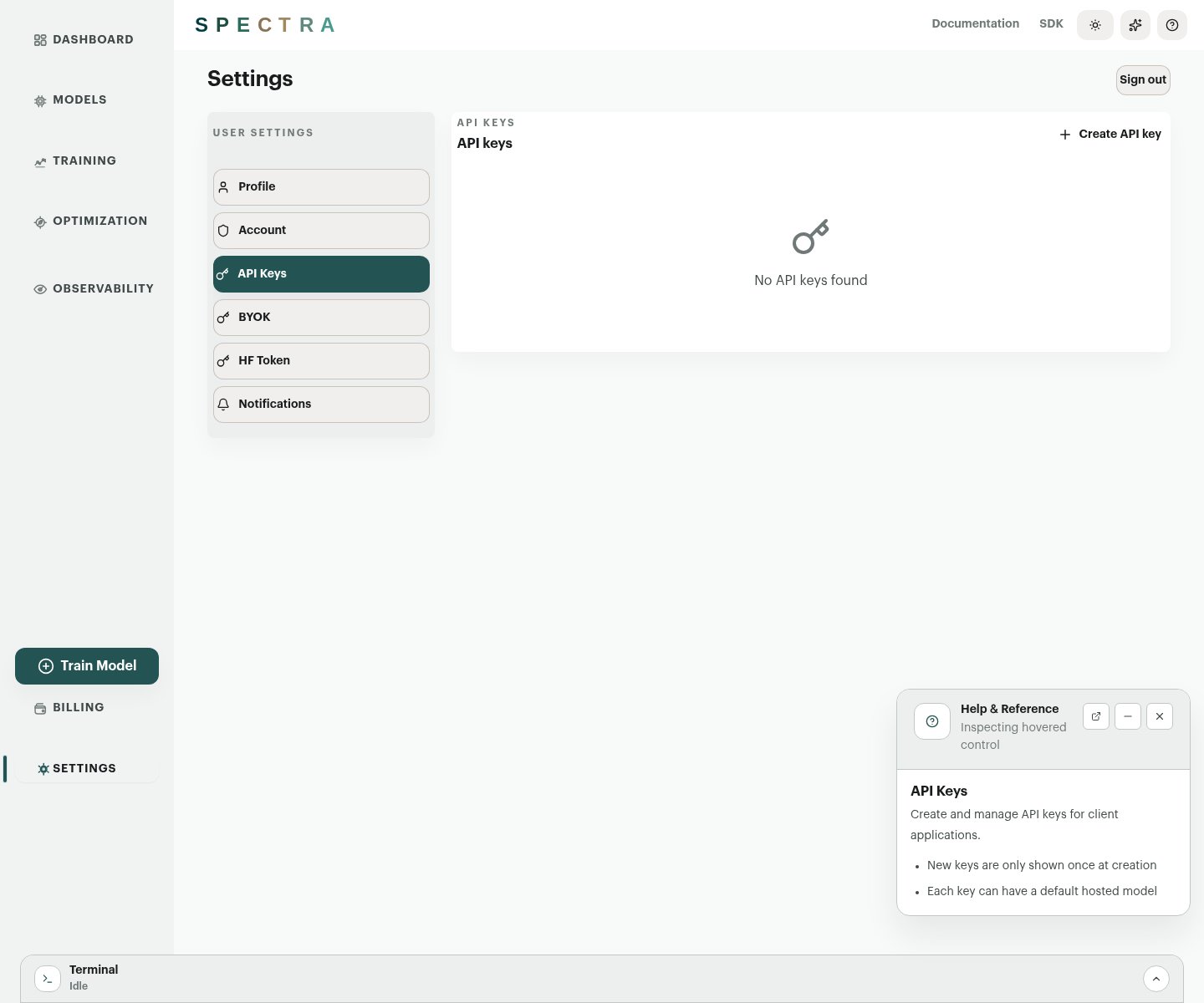
Open Help & tour from the top bar or press? to toggle the help panel.
The panel:
- follows the current route automatically
- updates when you hover controls that expose contextual help
- can stay open while you work, be minimized, or be dragged by its header
- links directly to the relevant docs page for the current screen
Guided tour
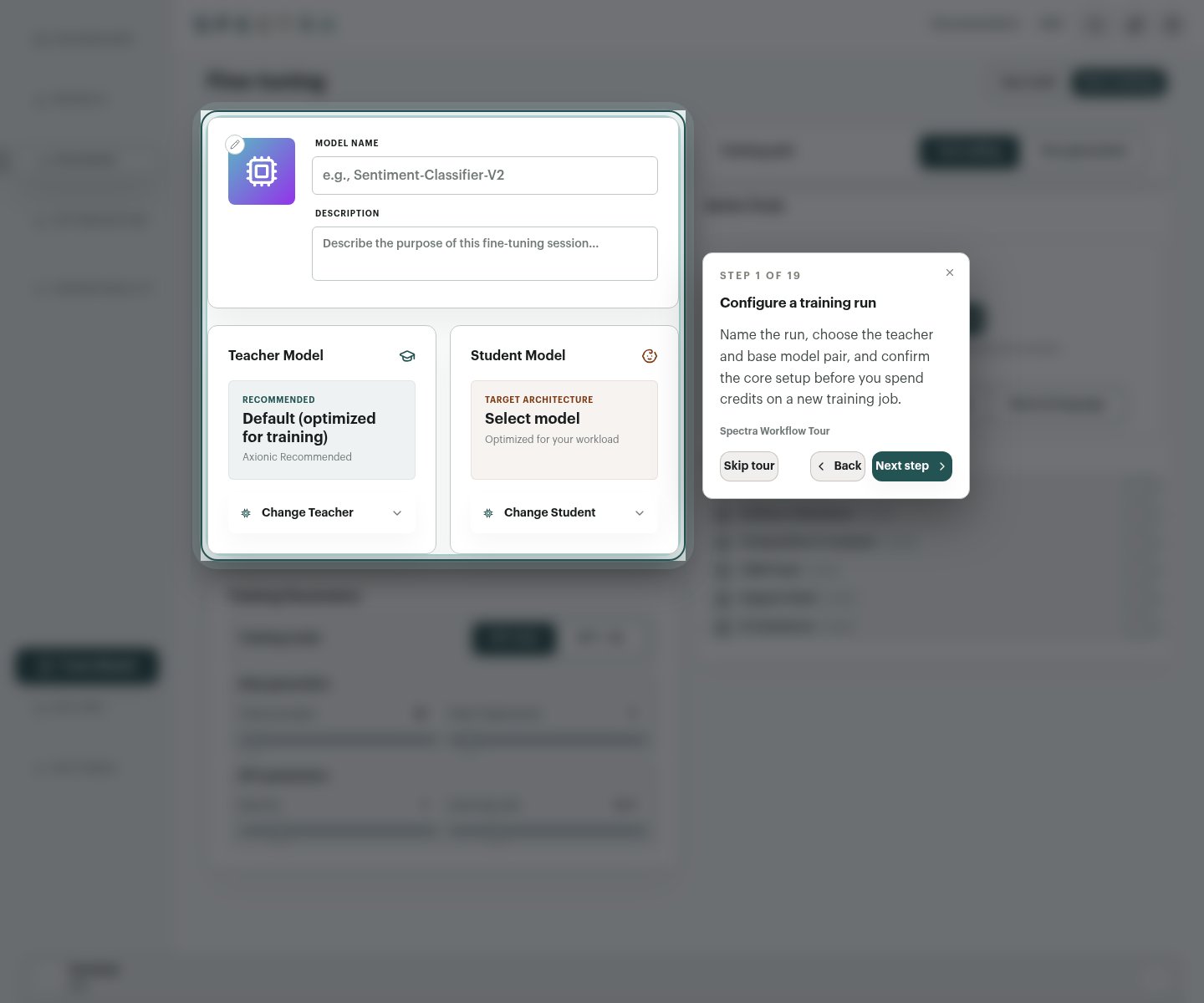
Launch the guided tour from the same Help & tour menu in the top bar, or from the quick actions on the Dashboard.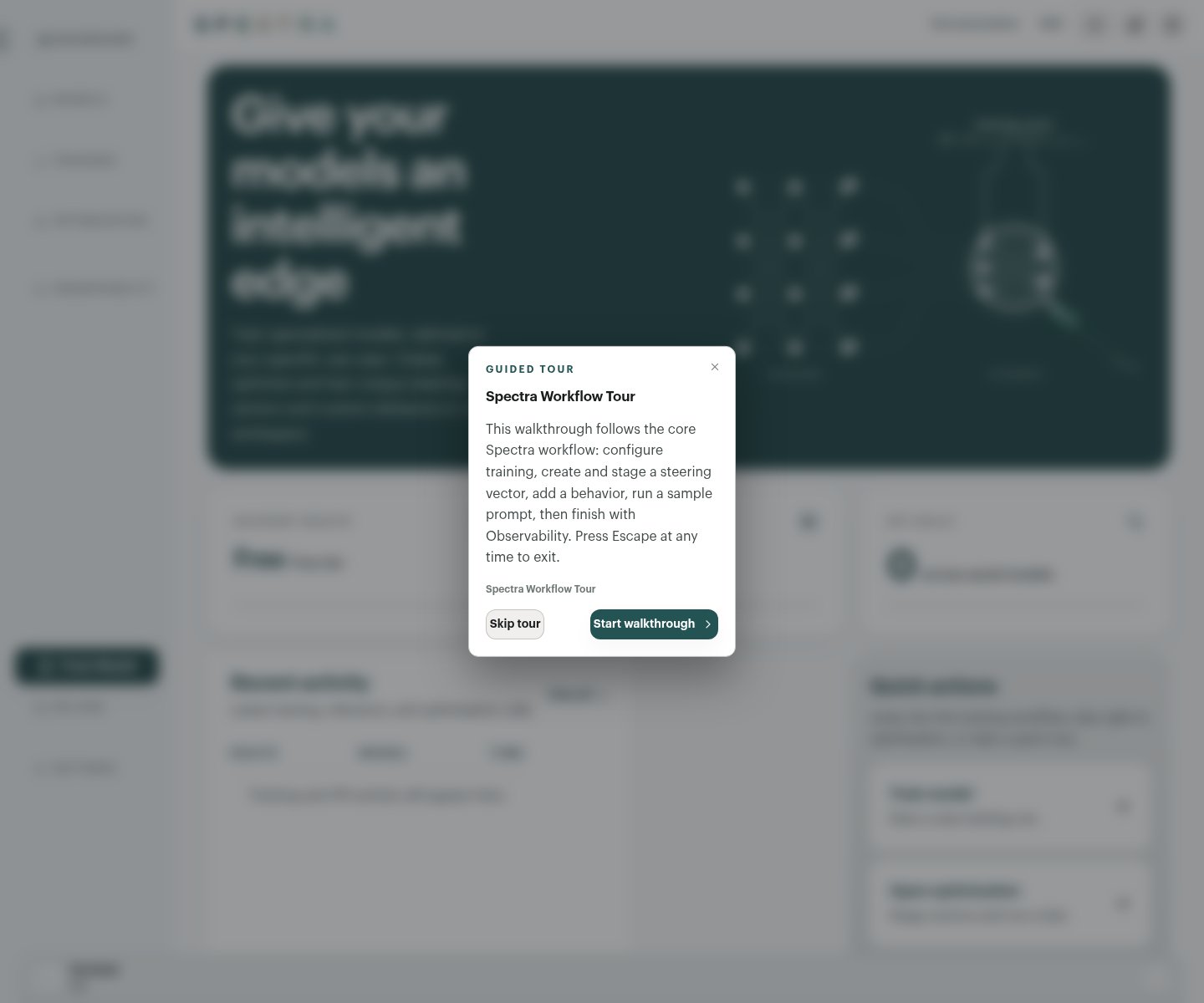
- configure a training run
- review training parameters and data inputs
- move into Optimization
- create or stage vectors and behaviors
- run a sample prompt
- finish in Observability
When to use which
- Help panel for the control or page you are using right now
- Guided tour for a live walkthrough of the main Spectra workflow
- Docs for durable reference material, code examples, and workflow details